Hack Something
for Someone You Love
One weekend, one AI Latin tutor for my daughter – the hackathon project that needs no buyer, just one real user.
One Kid,
One Friday Night
My daughter Noëlle learns Latin at school, and what she was missing most were the basics from the first year. On a Friday evening at 23:38 I typed one long message into Claude Code:
“Create a new sub-session that interviews me with the ask tool about how we can build [a learning app] for Latin, specifically for her, but truly agentic … The main goal of this app is to find out playfully what she understands right now and what she’s still missing.”
The school’s current topic mattered to me only for vocabulary tests and exams. What I wanted was the basics, from beginning to end, including all the vocabulary, in a way that’s fun and keeps her going. And I wanted to see what she’s learning, how much time she puts in, how sure she is of it, and to reward her.
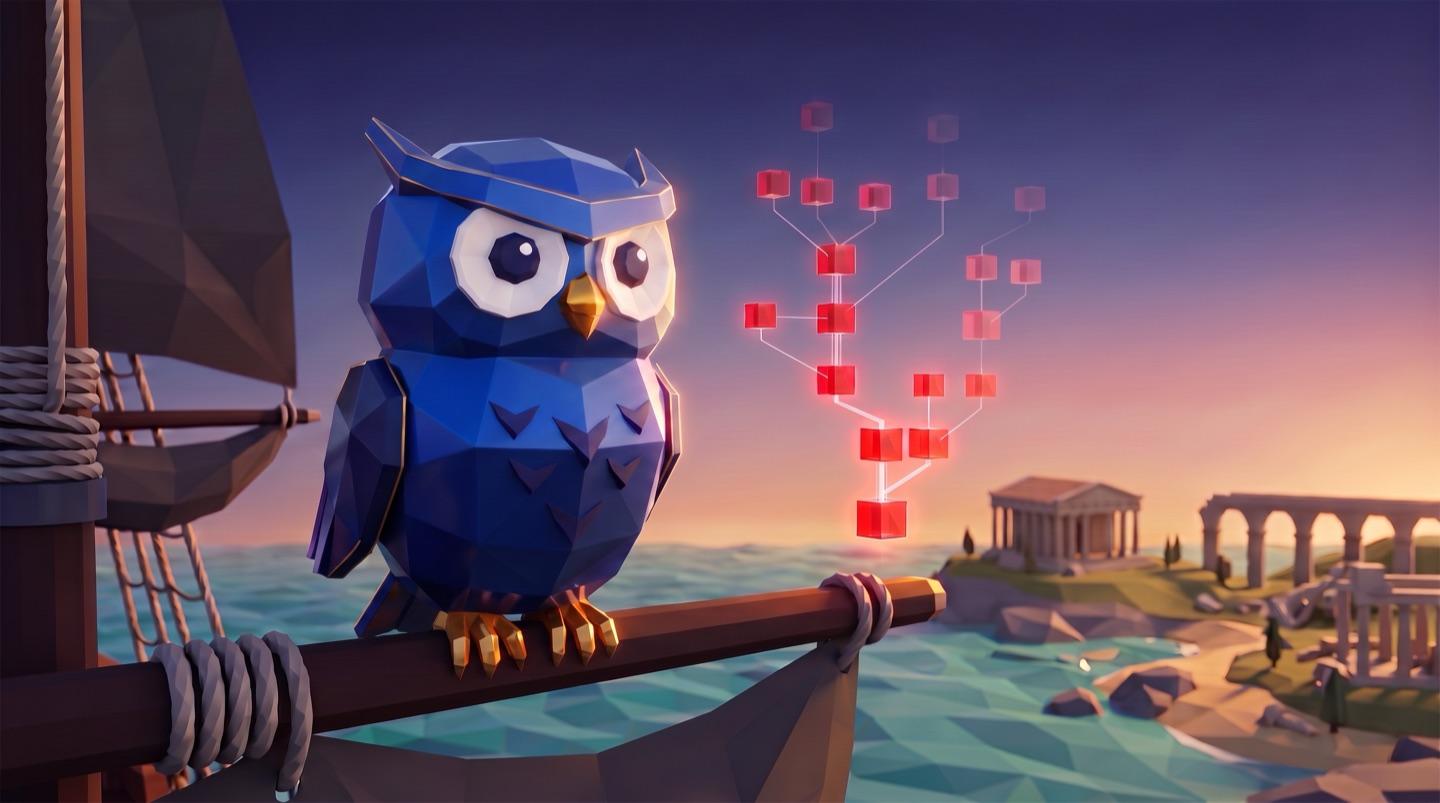
I’m not a developer. By Saturday morning the app was live – for her, not for the app stores. By Sunday night I was the one learning Latin with it, from a blocky blue owl called Noctua, and loving it.
If you’re heading to a hackathon and wondering what to build, this is one answer: something good for one person close to you. Here is how that weekend went, on the clock, and the eight minutes that taught me more than the eleven hours before them. If you build things for one person first, you’ll recognize a lot of build it for one in here.
Let the Agent
Interview You
I didn’t write a spec. I asked to be interviewed. The new session also researched which learning methods actually work for a child with gaps in the basics: retrieval practice, spaced repetition, mastery, and the risks of rewards. And it asked me twenty questions in five rounds, multiple choice, each with a recommended answer and the reason. Here is what it recommended, and what I decided:
Claude recommended
I decided
Time per day
Claude: 10–15 minutes daily
Me: 10–15 minutes are a must – more should be her own wish kept
What the AI does
Claude: Find the gaps, plan the next unit, write exercises
Me: That, plus a tutor chat and a weekly report for me changed
The tutor
Claude: Hints inside the exercise only
Me: Hints, plus a free chat about anything Latin changed
Extra time
Claude: Unlocks more of the world, no coins
Me: Unlocks more of the world, no coins kept
Rewards
Claude: Experiences from a shared wish list
Me: The wish list, plus surprises from me changed
AI spending
Claude: Up to about €10 a month
Me: Quality first, no fixed cap changed
Updates for me
Claude: By email
Me: Only in my dashboard changed
The look
Claude: A Roman adventure world
Me: A Roman adventure world kept
My answer on time set the rule for everything that followed: “The 10–15 minutes are a must, but she should want to do more, without us forcing her.” The agent took that and pushed back with research: coins for every extra minute turn wanting into working for pay. So extra time unlocks more of the game world, not more coins.
Where I overruled it, I did it on purpose. It warned that a free AI chat makes students worse in exams, and that guided hints don’t. I kept the guided hints and added the free chat anyway. Later, when the owl dodged a question about which gods belong to which city, I made sure it answers questions like that directly. On cost I said quality first, no fixed cap: measure what it really costs, then decide.
It also recommended a clean first version in one to two weeks. I said: build it properly, and don’t rush it for the next school test. It went live the next morning anyway. If you want to start with the question of what to build at all, the your-idea chapter of the Builder Codex begins there.
Approve It,
Then Go to Sleep
At 00:04 the concept was written and I was tired. My approval was a list, and two lines of it did most of the work:
“I put extremely high value on good design, so I want you to prepare every screen on a design canvas for iPhone, iPad and MacBook, and optimize it, before you hard-code it. Don’t wait for my feedback until the first version is planned, designed, coded, tested and optimized by you.”
And one more: do everything you still need me for first, while I’m awake. I had three minutes left. It set up the GitHub repository, the Vercel project and the database first. Here is the night and the morning on the session’s clock:
Fri 23:38
One request
I ask for a session that interviews me first.
23:41
Twenty questions
Five rounds, each with a recommended answer.
00:04
Approved, lights out
I list what it needs from me and go to sleep.
00:17
Five helpers at once
Forms engine, learning logic, logins, learning map, vocabulary.
00:20
64 artboards
21 screens for iPhone, iPad and MacBook, plus a style board.
00:46
Usage limit
Ten helpers stop mid-work. Nothing moves until morning.
10:01
“Try again”
I restart the helpers on Opus.
10:20
708 words, 513 sentences
Its own vocabulary, checked against the forms engine: zero errors.
Sat 11:05
Live
11 hours 27 minutes after the request. The agent worked about two hours of it.
Eleven and a half hours from my request to a live app, and the agent stood still for nine of them. At 00:46 it ran into the usage limit of the model I had picked, and ten helpers stopped. In the morning I typed “Try again”, and it restarted them on Opus. Counting only the time it was actually working, the first version took about two hours. The night wasn’t wasted, just shorter than planned.
Design really did come first. By the morning there were 64 artboards: 21 screens, each for three devices, plus a board with the colors, type and the owl. Later I asked for the artboards to show the real code components once they existed, so the canvas never drifts away from the app. If you want to set up a style like this yourself, start with style systems.
Claude Code
The builder. Fable and Opus plan, build, test and watch the app.
Vercel’s eve
The tutor is an agent with its own tools and instructions, written as files.
Sonnet and Haiku
Sonnet where the tutor has to think, Haiku where speed matters.
Neon
One database in Frankfurt, separate logins and progress per learner.
Vercel
Hosting, and a domain for $9.99 the agent bought on my yes.
An MCP server
A door for lessons from sources you’re allowed to use.
Why this stack? I wanted it truly agentic, so the tutor is an agent built on Vercel’s eve framework, with its own tools and instructions in files, next to an ordinary web app. The kids log in separately and each has their own progress, which is what Neon is for – more on that in login and sign-up. It’s a web app that I asked to look and feel like a native app once it’s added to the home screen of an iPad or an iPhone. And models are chosen by job. My rule, once I saw the first setup: “Fable is overkill for the tutor chat.” Sonnet for the tasks that need intelligence, Haiku where speed matters more, and Fable and Opus only in the builder that watches and manages the app.
One rule stays outside the model: whether an answer is right is checked by fixed rules, never by AI. Every Latin form goes through a forms engine with its own tests. And every lesson and every word can be read and changed from outside, through the app’s MCP server, so new lessons don’t need a new release.
Watch Your
First Real User
At noon on Saturday Noëlle sat down with it for the first time, in a demo account, with me next to her and a screen recording running. It started the way we had planned: a short placement test to find out what she already knows.
The log said
- Stopped “tap the subject” after 24 seconds – maybe an accident.
- Three quick “I don’t know” at the end – attention fading.
- 4 of 10 right, 8 minutes, 3.5 of them in the chat with the owl.
The video showed
- A clear “I don’t want to do this.”
- Me, clicking through the last questions for her.
- A frustrated girl: none of it felt like school.
Four of ten right, eight minutes, and a daughter who didn’t want to go on. The agent had logged every answer, every pause, every tap: 86 events. From those alone it found real problems – the owl answered questions with questions, and it got harder after mistakes instead of easier – but it misread the two moments that mattered. It thought she had closed one exercise by accident, and that the fast “I don’t know” answers at the end meant fading attention. In fact, I was the one clicking through them.
So I sent it the recording and told it: I’d say it was rather frustrating for her. In the video you can hear it: she didn’t understand what it wanted from her, and none of it felt like school. After reading it, the agent wrote back the honest answer: “Was it the way I had imagined? No. The data alone had painted a prettier picture.”
My instruction was short: the most important thing is that we only confirm and strengthen, and the difficulty goes up. “That test at the start, that was nothing.” Here is what changed:
- 1No placement test. Start at the first lesson and move fast through what’s solid.
- 2Show first, then ask: a short learning card, then three or four questions.
- 3Never ask what wasn’t shown. Aim for 85–95% right on the first try.
- 4Exercises like at school: vocabulary, translating sentences, forms, sentence parts.
- 5Typing and multiple choice in balance – choosing alone invites guessing.
Vocabulary
A form, with a hint
Right on the first try
That “not sure yet” button was my idea from that morning. I wanted her to be able to say she doesn’t get something yet without it feeling like a mistake, and the app to work quietly around her weak spots and weave earlier lessons back in. Right after the test I asked for more delight: a dark theme, because I liked the few dark screens much better, and the owl “a bit more Minecraft-like”. It drew three owls on the canvas. I picked the flat blocks.
The lesson for me: logs tell you what happened, not how it felt. Record the first real session, watch it, and hand the recording to your agent. The agent itself said the video was very useful and worth repeating, but deliberately, not for every test. Deciding what to improve gets a lot easier once you’ve seen someone struggle.
Make Yourself
User Zero
That morning I had asked for one more thing: a demo account for me, treated exactly like hers, visible in the parent view, and “very observable for you. Then we can run optimization cycles faster.” I also asked the app to keep a log in the background of everything it notices that could be worth improving later. That turned me into user zero.
Saturday afternoon I was out and about, opened it on my iPhone and started learning. Every time something felt off, I sent a screenshot and a sentence:
- Keep the text field visible while the keyboard is open.
- Make the word that matters stand out, not “he, she, it”.
- Check a single choice the moment I tap it. Fewer clicks.
- Let a lesson run through Noctua’s chat as well – and count the same.
- Reward longer. It turned into bonus rounds too fast.
- Write the stories in the second person, so you’re in them.
- A vocabulary list for every lesson, to look ahead.
- Noctua should answer with more than text.
Each one went into the next round of fixes, and the agent could watch every answer and every pause in my account. After a few rounds I wrote: “The whole thing was already 7.5 out of 10. Really strong for such an early state.”
Then I wanted to see progress the way games show it. I asked for a Latin skill tree, like in World of Warcraft, that shows her and me what we’ve mastered, what wobbles and where it goes next – the same idea as the boards in World of Reallife. It showed me design options on the canvas first. I picked one, it built it.
On Sunday I gave myself my own account and kept learning. Late that night I wrote the message that made the weekend for me:
“I have to say: that was a great experience, learning Latin. … Being shown not just the questions but also the lessons in the chat, and being able to ask right away – I found that excellent.”
It isn’t finished. I miss a real profile and settings, and the owl once quizzed me on parts of a lesson I hadn’t reached yet. The sounds I love; I asked for more of them.
The part I care about most is the rewards. Noëlle and I talked her wish list through together: small things like a €5 voucher, ice cream or a museum visit with me, which she saves coins for, and one big goal – a day at a theme park – for a real result, which costs no coins at all. Coins reward showing up, the small wishes keep the daily habit going, and the big goal is what it all leads to. Positive reinforcement, set by us, approved by me.
And the real verdict isn’t mine. So far Noëlle has spent maybe twenty minutes in it. The app was built for one user, and she hasn’t had her say yet. In the parent view I’ll see where she stumbles.
Your Weekend,
Step by Step
Pick one person you want to build something for – yourself, a friend, someone in your family. Then this is the whole weekend, at a hackathon or at your kitchen table, in five steps:
1
Let it interview you
Ask for a session that questions you, a recommended answer each time.
2
Approve and leave
Say what you need, then tell it not to wait for you.
3
Design before code
Every screen on a canvas, for every device, first.
4
Watch your one user
Record the first test. The logs won’t tell you how it felt.
5
Become user zero
An account of your own that the agent can watch.
The agent will get you to a live first version faster than you expect. The rest of the weekend is yours: deciding what only you can decide, and sitting next to the one person it’s for. If you want the app on a phone next, read Mobile App in a Weekend; if you want to see me build what users ask for, live, read Watch Me Build. And when it’s ready for more than one person, the going-live chapter covers the rest.
And it doesn’t have to be a startup. A good hackathon project doesn’t need a buyer: it can be fun, a little challenging, built in a weekend, and make a real difference to someone close to you. That’s exactly the kind of weekend the Vibe Hackathon Cologne is for.
Build it for one. Watch that one. And if you can, become a user of your own app. See you at the next hackathon – and Salvē!
Cheers,
Ben
Ready to Go Deeper?
Don't miss the next Insight
Join the crew and get fresh perspectives delivered weekly.
Free account. No spam. Unsubscribe anytime.
Questions & Answers
Do I need to be a developer to build something like this?
Was it really built overnight?
Where does the Latin come from?
Why not just use an existing language app?
What does the AI actually decide?
What is a demo account good for?
Is something like this a good hackathon project?

Founder from Cologne with 15 years of startup experience across 9 ventures. After helping thousands master growth marketing, Ben learned vibe coding from scratch and launched CaptAIn within three months. He leads the Vibe Coding Cologne community, blending real founder experience with teaching clarity.